

Get the details before you get to the venue.

Check the schedule, review the technical setup and coordinate with the people working the show.

Sign in

New here? Join through the link in your invitation.

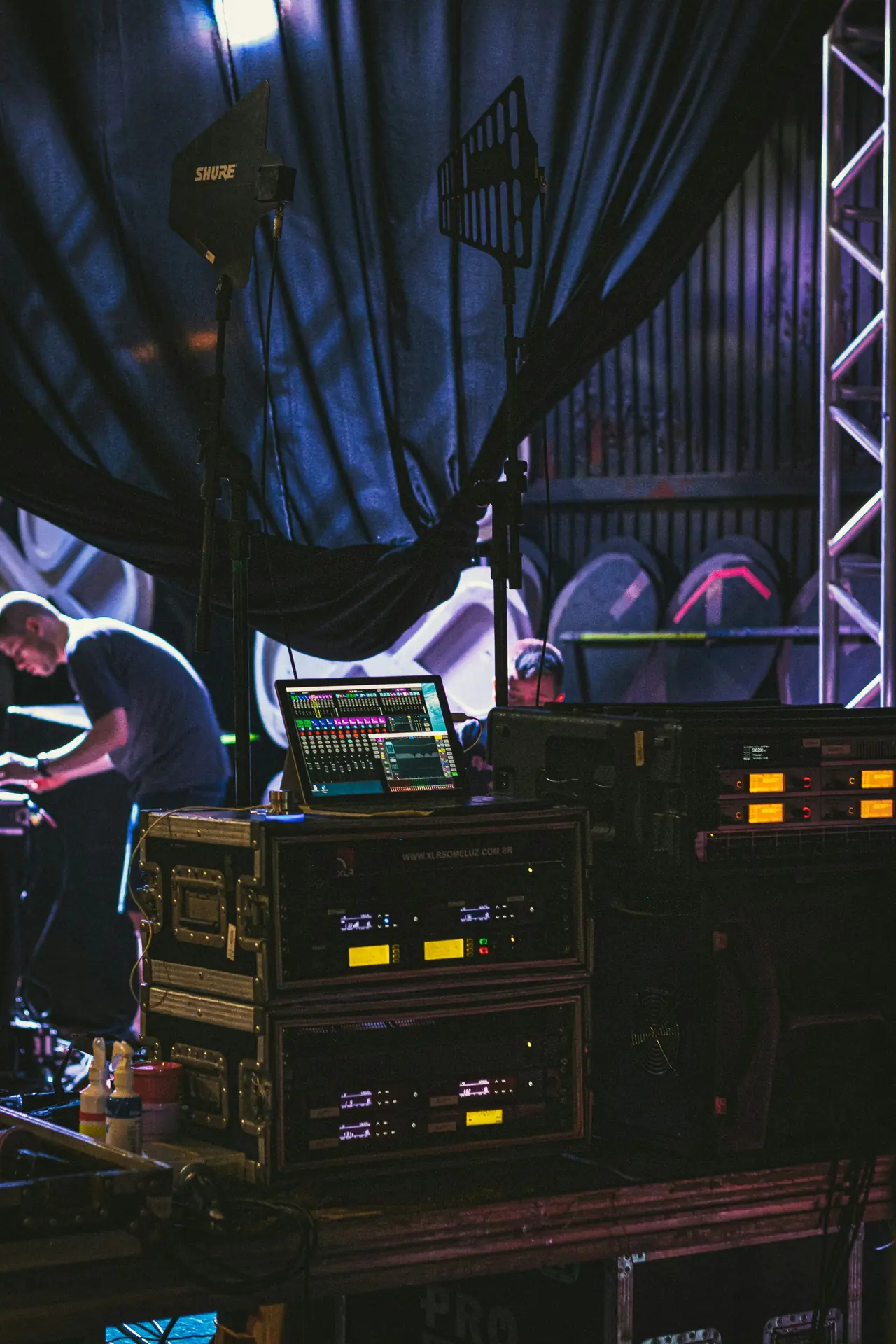
Equipment and crew at the side of a stage
  • Plan your work around the show

    See when you can load in, set up, soundcheck and pack down.

  • Check the setup in advance

    Review riders, stage plots and technical notes before you arrive.

  • Get the changes that matter

    Stay informed when timings or practical arrangements change.

Sound familiar?

The showtime is clear. The rest takes a few calls.

Where can we unload? What power is available? When can load-out start? You need more than the showtime to prepare.

Your work, together

The schedule, the setup, the changes.

  1. Check the setup before you arrive

    Find loading instructions, technical notes and contacts with the show. Keep replies with the relevant note so the next person can find the answer.

    Show planning and details
  2. Open the right file on site

    Find riders, stage plans and supporting files with the booking, ready to check before traveling or while coordinating on site.

    Files and sharing
  3. See what changed

    Catch revised load-in times and other changes through notifications. Check the latest details before traveling, and acknowledge important updates when asked.

    Team communication
Start for free

30 days free, no credit card required

Keep technical questions with the show.

Ask a question or reply to a technical note, so the answer stays with the show for the people who need it.

Team communication

Know what needs your attention

See the tasks assigned to you, check their due dates and mark them complete when they’re done.

Tasks

Completely free for invited crew

Your setup

Join the people working the show

Join through your invitation to a workspace. Find the show details, technical notes and files shared with you, with access that fits your role.

Sign in

New here? Join through the link in your invitation.

See how APECREW works for bands

Questions

Before you get started.

Does every crew member need to pay?

No. Invited members and crew join for free, each with their own login.

Can I ask questions about a show?

You can reply to notes available to you. Editing the underlying show information depends on your role and permissions.

What can I access offline?

APECREW needs an internet connection. Download essential riders and documents before traveling if you’ll need them without a signal.

Still got a question? Ask us. A real person from the team gets back to you.Contact us

Get your crew ready for the next show

Start for free

30 days free, no credit card required